
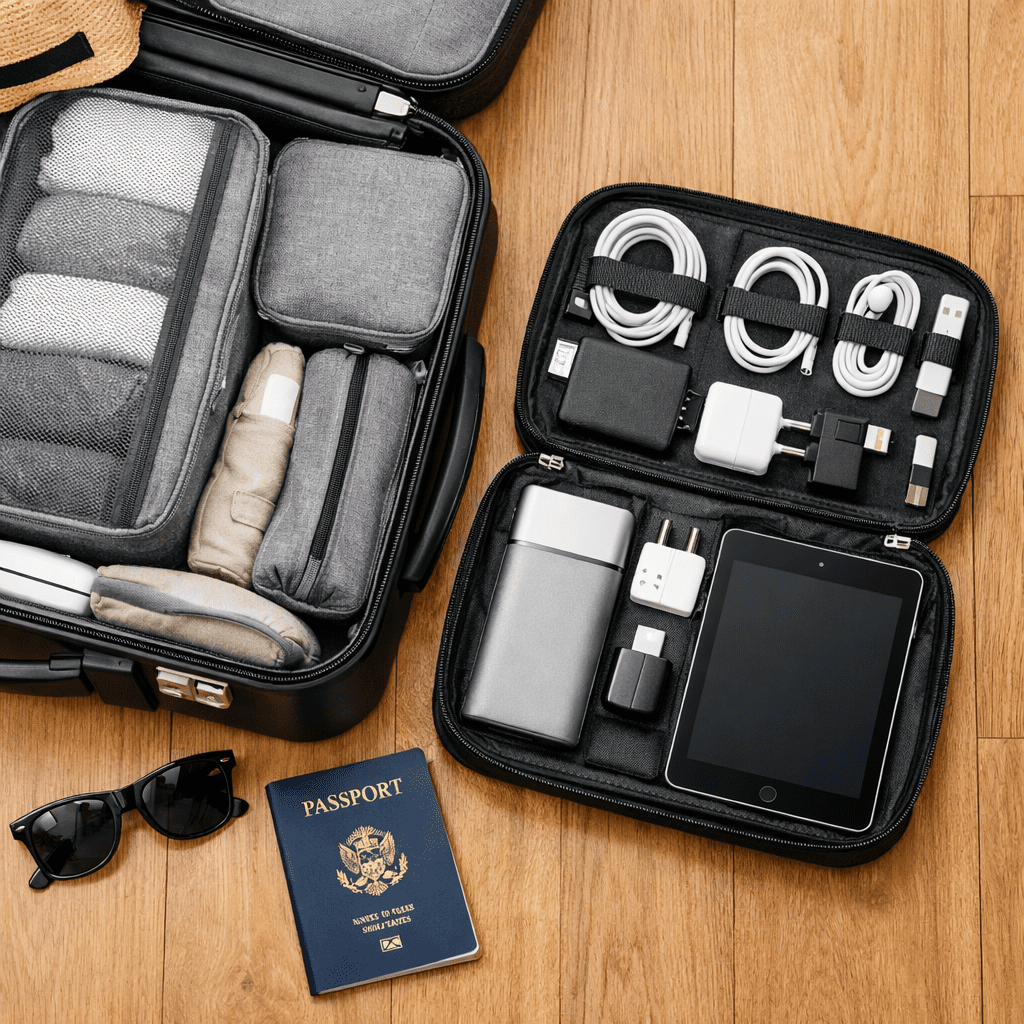
How to Pack Electronics for Travel in 2026: TSA Rules, Safety Tips & Best Organizers
Introduction
You have bought the best gear for your digital nomad lifestyle. You have the laptop, the camera, and the drone. But now comes the scary part: getting it all to your destination in one piece. Knowing how to pack electronics for travel is an art form that saves you money, time, and heartbreaks.
In 2026, airport security rules are stricter, and devices are more fragile. One cracked screen or confiscated power bank can ruin a trip. Whether you are flying internationally or taking a train across Europe, organization is key.
In this ultimate guide, we cover everything you need to know about how to pack electronics for travel. From the latest TSA battery regulations to the best tech pouches that keep your cables tangle-free, let’s master the art of packing.
Rule #1: Carry-On vs. Checked Luggage
The first rule of learning how to pack electronics for travel is simple: Never check your expensive tech.
Why?
- Theft: Valuables often disappear from checked bags.
- Damage: Baggage handlers toss suitcases. Your laptop won’t survive a 5-foot drop.
- Fire Hazard: Lithium-ion batteries (found in laptops, cameras, and power banks) are strictly prohibited in the cargo hold due to fire risk.
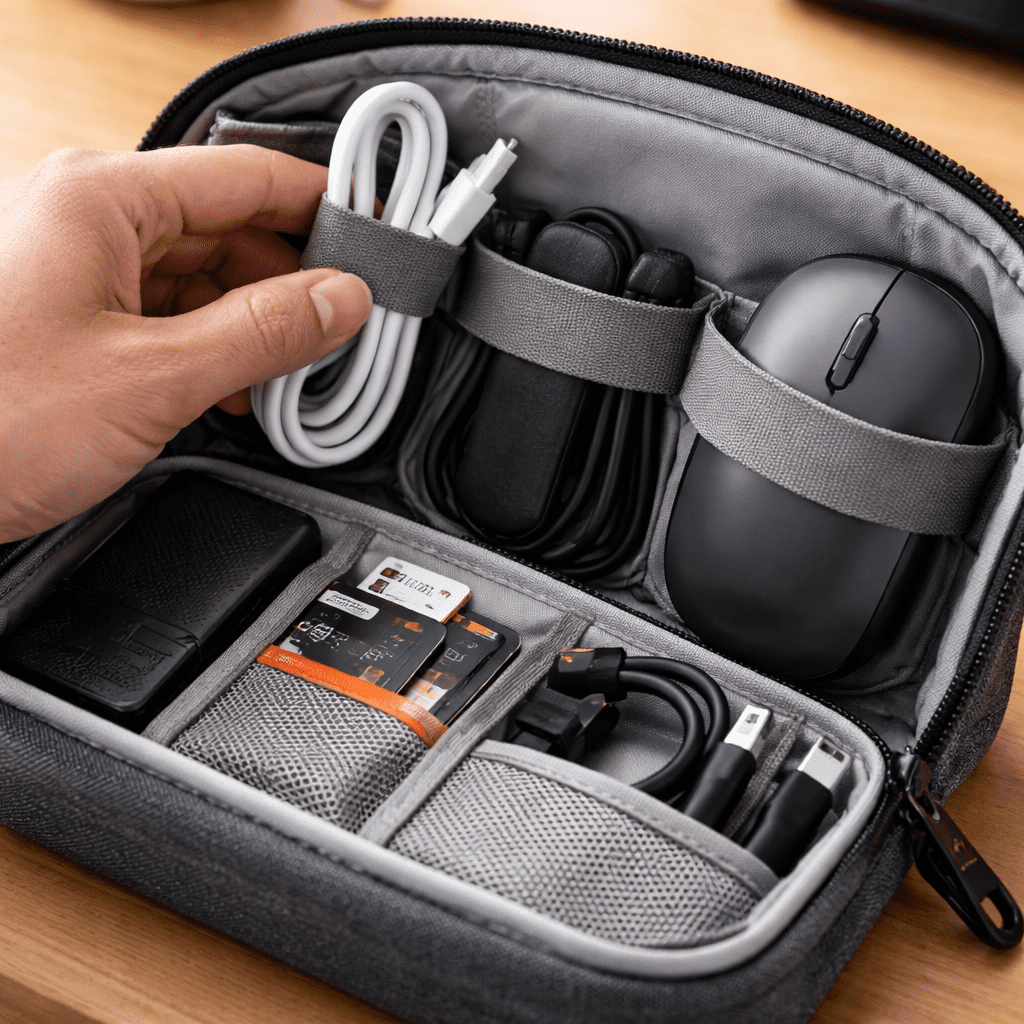
The Strategy:
Keep all your essential tech (Laptop, iPad, Camera, Drives) in your carry-on or personal backpack. Use a suitcase with a dedicated front pocket, like the [LEVEL8 Road Runner], for easy access.
TSA Rules 2026: Batteries and Liquids
Nothing is worse than having security throw away your expensive gear. When figuring out how to pack electronics for travel, you must know the battery limits.
- 100Wh Limit: You can bring batteries up to 100 Watt-hours (Wh) without permission. This is why the [Anker 737 Power Bank] is the perfect travel companion—it sits safely at 86.4Wh.
- Remove Devices: Be ready to take out any device larger than a phone (Laptops, Tablets, Game Consoles) at the security belt, unless you have TSA PreCheck.
The Secret Weapon: The Tech Pouch
If you throw your cables and chargers loosely into a backpack, you will arrive with a tangled mess. The pro tip on how to pack electronics for travel is to use a dedicated “Tech Pouch.”
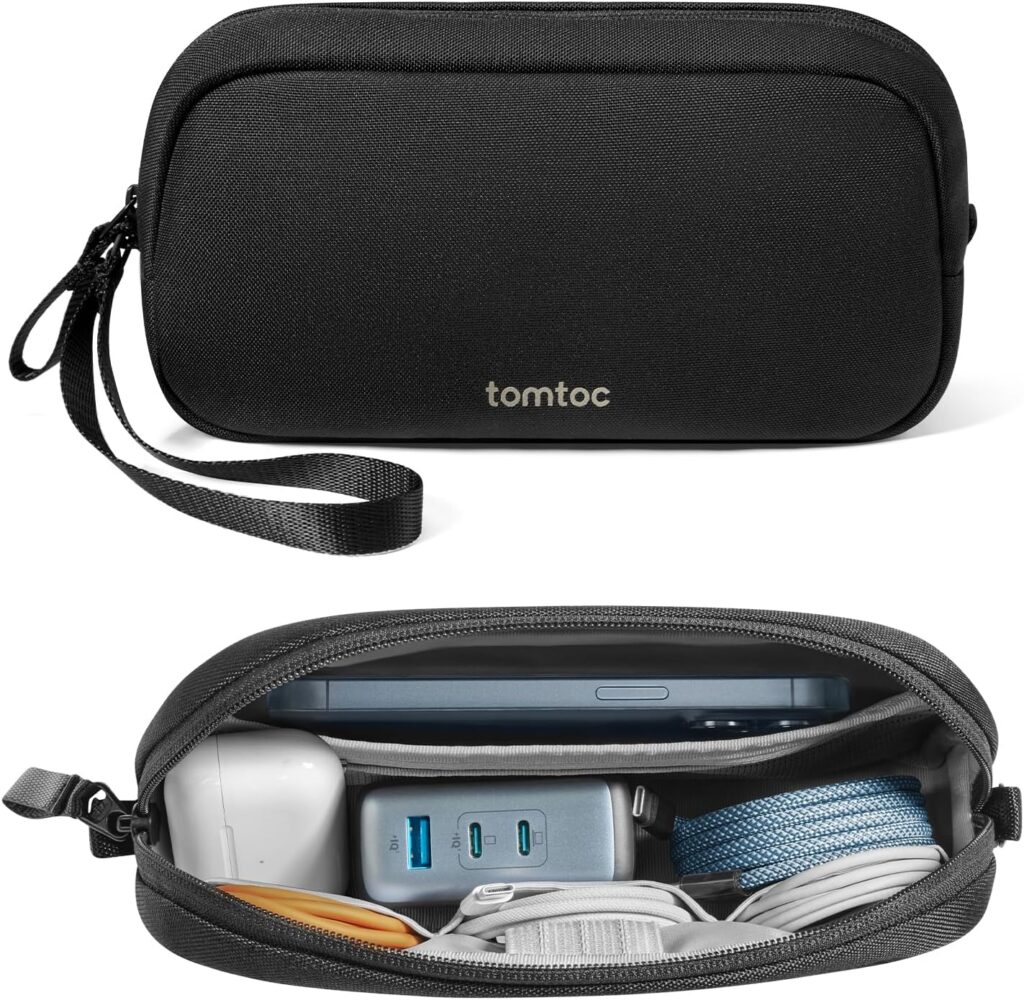
Top Recommendation: Peak Design Tech Pouch
This is the gold standard for organizers. It has origami-style pockets that fit perfectly in any bag.
- Cables: Use velcro ties to coil them neatly.
- Small Items: SD cards and dongles go in zipped pockets.
- Shape: It stands upright on your desk once you arrive.
👉 [Check Price on Amazon (Peak Design Tech Pouch)]
Protecting Your Screens: Layers Matter
Your laptop and iPad are the most vulnerable items.
- Sleeves: Even if your backpack has a laptop slot, put your laptop in a separate slim sleeve for double protection.
- Screen Protectors: Always have a protector on your tablet. We recommend [Paperlike] for iPad Pros to prevent scratches from keyboard keys rubbing against the glass.
- Sandwich Method: Pack your laptop “sandwiched” between soft items (like a hoodie) in your bag if you don’t have a padded slot.
Cable Management: The “Over-Under” Technique
Learning how to pack electronics for travel involves mastering cable management. Don’t just fold them; coil them.
- Velcro Ties: Buy a pack of cheap velcro cable ties. They are reusable and keep cables tight.
- Color Coding: Use different colored ties for different cables (Red for USB-C, Blue for Lightning) so you grab the right one instantly in a dark plane cabin.
👉 [Get a 50-Pack of Cable Ties on Amazon ($10)]
Anti-Theft: Tracking Your Gear
Paranoia is good when you travel with $5,000 worth of gear. How to pack electronics for travel
- AirTags: Place an Apple AirTag (or Android tracker) deep inside your tech pouch and another one in your camera bag. If you leave it in a cafe, you’ll know instantly.
- Hidden Zippers: Use a backpack that opens from the back (against your spine) to prevent pickpocketing in crowded metros.
What About Cameras and Drones?
If you are a creator carrying a [DJI Osmo Pocket 3] or a drone:
- Padding: Use “Camera Cubes” or padded inserts.
- Lens Caps: Always keep lens caps on.
- Propellers: Remove drone propellers before packing to prevent bending.
Conclusion: Pack Light, Pack Smart
Mastering how to pack electronics for travel takes practice. The goal is to be organized enough that you can find a charger in the dark, and secure enough that you don’t worry about breakage.
Invest in a good tech pouch, respect the battery rules, and always carry your expensive gear with you. Happy travels!
(Disclaimer: As an Amazon Associate, I earn from qualifying purchases.)
Frequently Asked Questions
Q1: Can I pack a power bank in my checked luggage?
A: No. Lithium-ion batteries must strictly go in your carry-on bag due to fire safety regulations. How to pack electronics for travel
Q2: Do I need to take my chargers out at security?
A: Usually, no. Only large electronic devices with batteries (Laptops, iPads) need to be removed. Cables and chargers can stay in the bag How to pack electronics for travel.
Q3: How do I protect my laptop in a suitcase?
A: We strongly advise against putting a laptop in a checked suitcase. If you must, wrap it in bubble wrap and place it in the absolute center of the suitcase, cushioned by clothes.